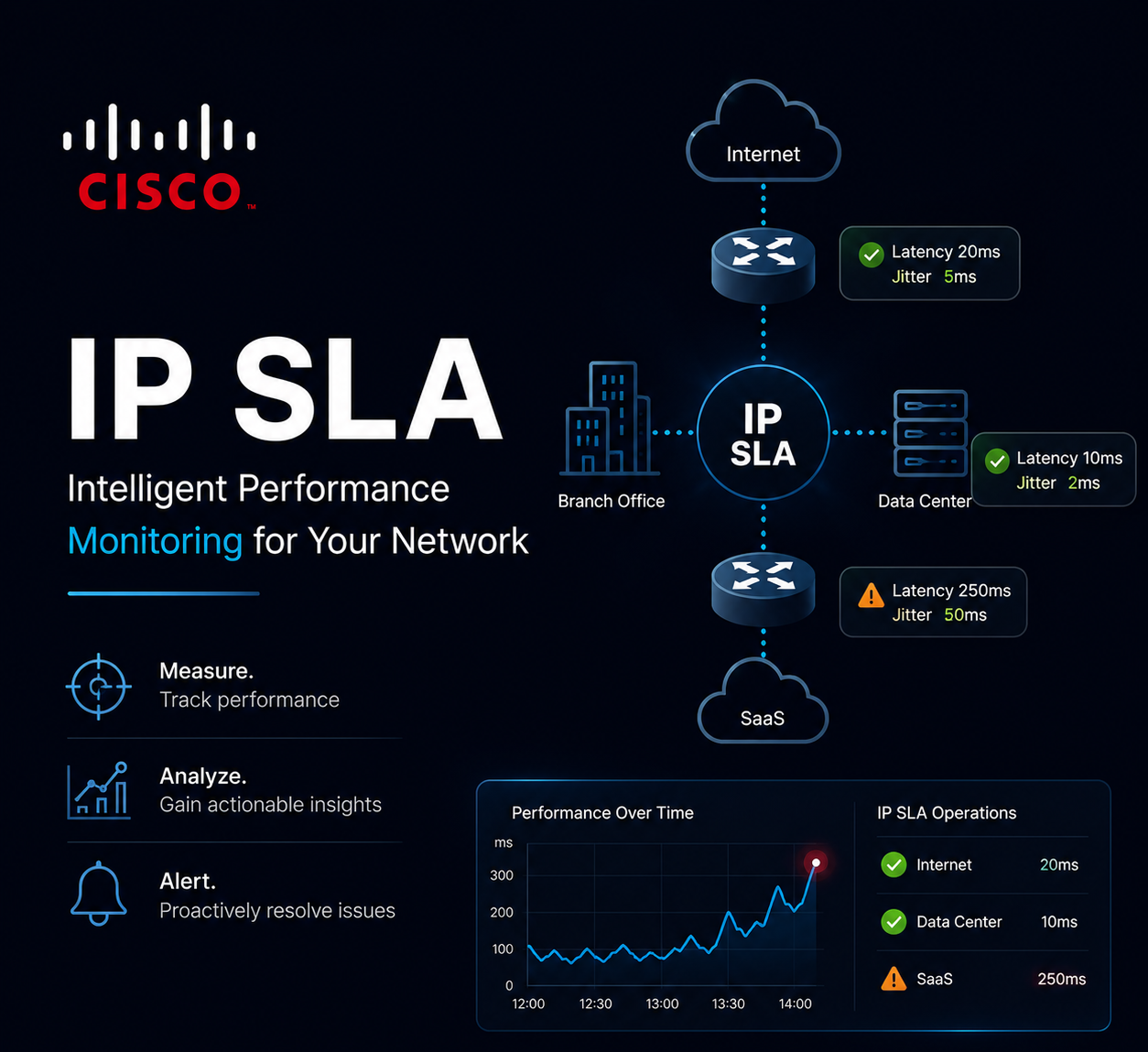
Hi everyone, in this article I will cover IP SLA configuration.
What Is IP SLA?
IP SLA (IP Service Level Agreement) is a Cisco IOS feature that sends synthetic probes (ICMP, TCP, UDP, etc.) to a target and measures the result — reachability, round-trip time, jitter, packet loss, and so on. Combined with object tracking, IP SLA results can trigger actions such as removing a static route from the routing table when a tracked target becomes unreachable. This is commonly used to build automatic failover for a default route when the primary next hop disappears.
| Device | Role |
|---|---|
| R1 | Router with a primary default route, tracked via IP SLA |
| 15.15.15.15 | Primary next hop, ICMP-echo tested by IP SLA |
ICMP-Echo: Tracking a Default Route
This is the classic use case: send periodic ICMP echoes to the next-hop IP, and if the IP SLA operation reports the target unreachable, the tracked static route is removed from the routing table.
R1(config)#ip sla 19
R1(config-ip-sla)#icmp-echo 1.1.1.1
R1(config-ip-sla-echo)#frequency 20
R1(config-ip-sla-echo)#exit
R1(config)#ip sla schedule 19 life forever start-time now

R1(config)#track 1 ip sla 19 reachability

R1(config)#ip route 0.0.0.0 0.0.0.0 15.15.15.15 track 1
ip sla 19— creates IP SLA operation number 19 and enters IP SLA configuration mode.icmp-echo 1.1.1.1— defines the operation type as ICMP echo, targeting 1.1.1.1. Enters echo sub-configuration mode.frequency 20— sends an ICMP echo every 20 seconds (the default is 60 seconds if omitted).ip sla schedule 19 life forever start-time now— schedules operation 19 to start immediately and run indefinitely. Without this command, the operation is configured but never actually runs.track 1 ip sla 19 reachability— creates tracking object 1, which monitors the reachability state of IP SLA operation 19.ip route 0.0.0.0 0.0.0.0 15.15.15.15 track 1— installs a default route via 15.15.15.15, but ties its presence in the routing table to the state of tracking object 1. If IP SLA 19 reports the target unreachable, this route is withdrawn.
Note: The IP SLA target (
1.1.1.1in theicmp-echoline) and the static route’s next hop (15.15.15.15) don’t have to be the same address. It’s common to test reachability to something beyond the next hop (e.g. the ISP’s far-side interface or a known-stable host like a DNS server) so that the route is pulled even if the next hop itself responds but the path beyond it is broken.
TCP-Connect: Tracking Application Reachability
ICMP-echo only confirms a host responds to pings — it says nothing about whether the actual service on that host is up. tcp-connect opens a TCP three-way handshake to a specific port, which is a better test when you care about a specific application (e.g. a web server or a VPN headend) rather than just IP-layer reachability.
R1(config)#ip sla 20
R1(config-ip-sla)#tcp-connect 172.16.1.175 443
R1(config-ip-sla-tcp)#frequency 20
R1(config-ip-sla-tcp)#exit
R1(config)#ip sla schedule 20 life forever start-time now

R1(config)#track 2 ip sla 20 reachability

R1(config)#ip route 0.0.0.0 0.0.0.0 15.15.15.15 track 2
This is identical in structure to the ICMP-echo example, except the operation type is tcp-connect <destination-ip> <destination-port>. Here, tracking object 2 goes down only if the TCP handshake to port 443 on 172.16.1.175 fails — the host could still answer pings while this operation reports a failure if the service on port 443 is down.
UDP-Jitter: Measuring Voice/Video Quality
udp-jitter is used when you care about more than simple up/down reachability — it measures round-trip time, one-way latency, jitter, and packet loss, which makes it the standard choice for monitoring links carrying VoIP or video. This operation requires an IP SLA Responder configured on the target device.
On the target (responder) device:
R2(config)#ip sla responderOn R1 (source):
R1(config)#ip sla 21
R1(config-ip-sla)#udp-jitter 172.16.1.175 5000
R1(config-ip-sla-jitter)#frequency 20
R1(config-ip-sla-jitter)#exit
R1(config)#ip sla schedule 21 life forever start-time now
Unlike the previous two examples, udp-jitter is typically used for monitoring and reporting rather than for tracking a static route — failing over a route based on jitter values isn’t common, but pulling jitter and packet-loss stats from show ip sla statistics is useful for ongoing link-quality monitoring.
| Operation Type | Use Case | Requires Responder |
|---|---|---|
icmp-echo |
Basic IP-layer reachability (e.g. default route tracking) | No |
tcp-connect |
Confirm a specific TCP service/port is reachable | No |
udp-jitter |
Measure RTT, jitter, and packet loss for VoIP/video links | Yes |
General workflow for all operation types:
ip sla <id>— create the operation.- Configure the operation type and target (e.g.
icmp-echo,tcp-connect,udp-jitter) plus any timers likefrequency. ip sla schedule <id> life forever start-time now— start the operation; without this, nothing runs.- (Optional, for route tracking)
track <id> ip sla <id> reachability, then reference the track object in a static route with thetrackkeyword.
Control:
show ip sla configuration
show ip sla statistics
show track
I hope you found this article useful.
Keep up the great work.