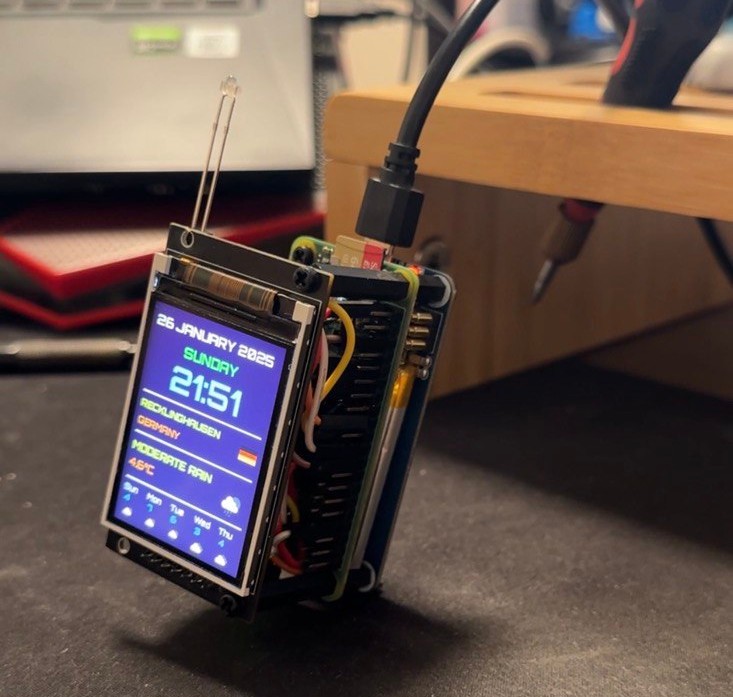
A compact, always-on weather station built on a Raspberry Pi — real-time conditions, a 5-day forecast, LED indicators, and a custom font, all packed into a breadboard that sits on my desk.
What It Does
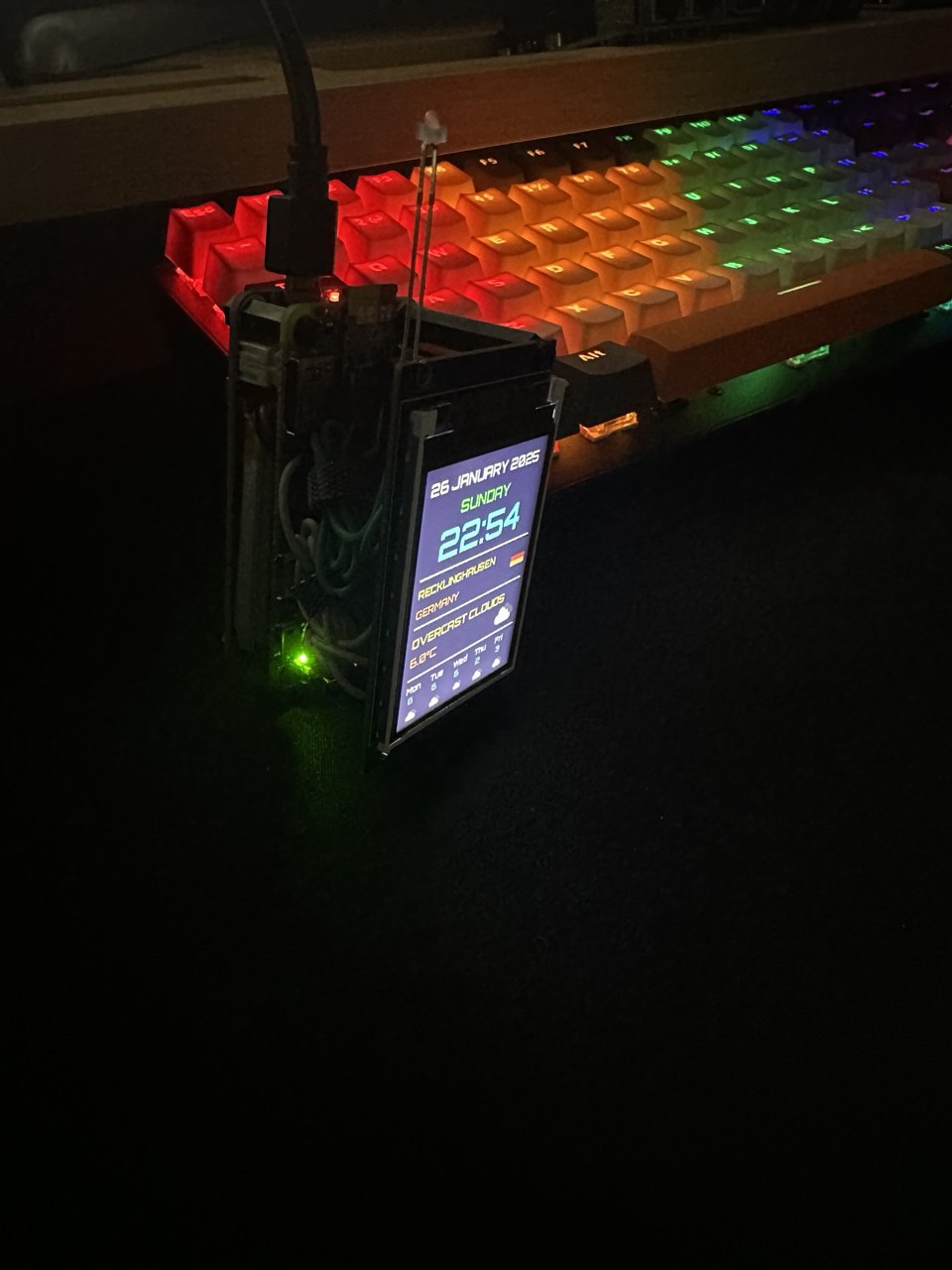
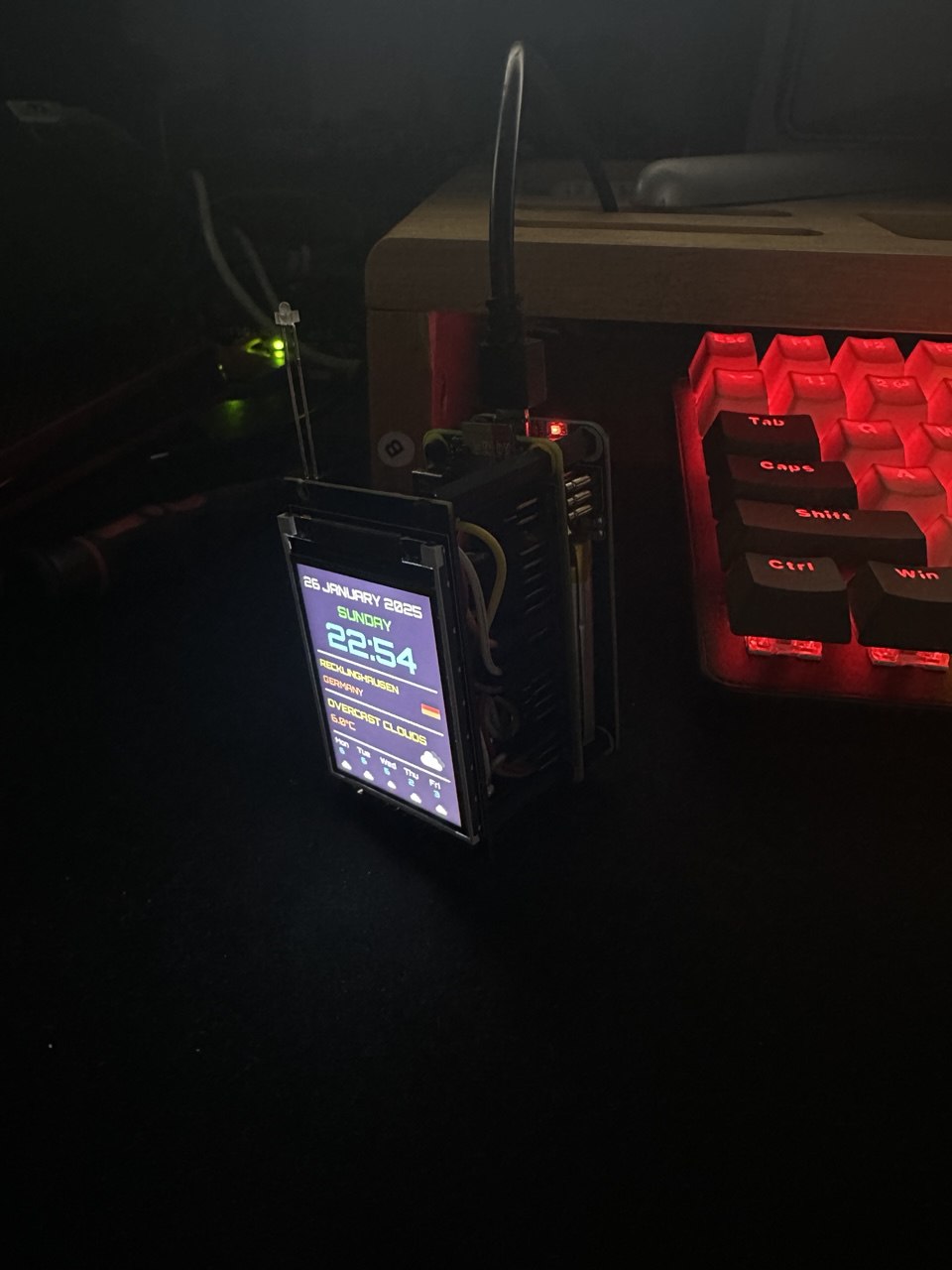
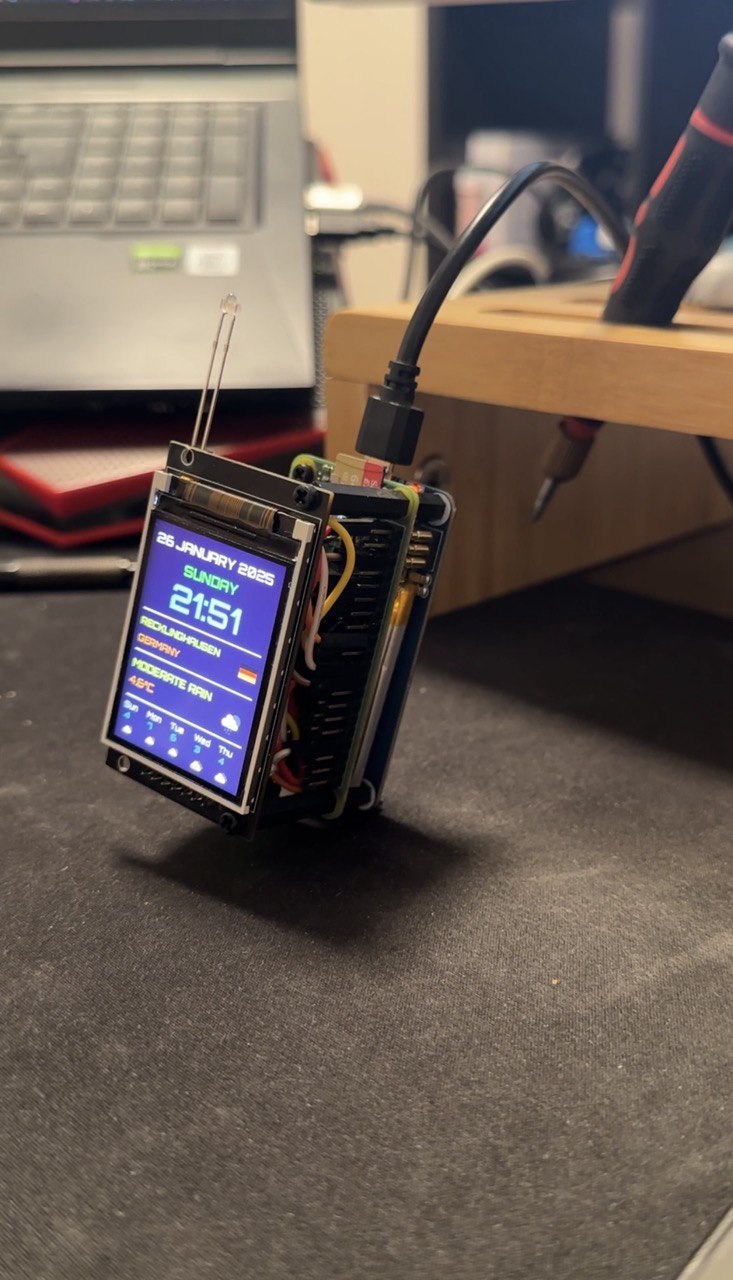
Skyforge is a desk weather display that pulls live data from the OpenWeatherMap API and renders it on a 2.4″ ST7789 TFT screen (240×320). At a glance it shows:
- Current time and date in the Orbitron typeface
- Your city, country, and a flag icon
- Current weather condition with an icon
- Temperature
- A 5-day forecast strip along the bottom
Location is determined automatically via IP geolocation — no config file needed for that part.
Two LEDs on the side provide ambient status at a glance: green means the service is healthy and connected, red signals a fault or network issue.
Hardware
| Part | Notes |
|---|---|
| Raspberry Pi 3B+ (or newer) | Runs the Python service |
| ST7789 TFT — 240×320 | SPI, 2.4″ |
| Green + Red LED | 5mm, with 220Ω resistors |
The display connects over SPI — seven wires, same as any ST7789 project. The LEDs hang off GPIO 17 and GPIO 27 through current-limiting resistors. Everything sits on a half-size breadboard; no PCB, no soldering required.
Software Architecture
The project is split into three Python modules:
weather_display.py— fetches weather data, renders the UI onto the TFT using Pillow, handles the refresh loopled_controller.py— manages the green/red LEDs with configurable blink patternssystem_controller.py— the top-level supervisor: spawns both processes, watches them, and restarts either if it crashes
A setup.sh script handles everything in one shot: installs dependencies, enables SPI, installs the systemd service, and prompts for the API key. After that, the display comes up automatically on every boot.
git clone https://github.com/ssnrshnn/skyforge_project.git
cd skyforge_project
chmod +x setup.sh && ./setup.sh
A Few Things That Were Tricky
Font rendering. The default PIL fonts looked terrible at display resolution. Switching to Orbitron Bold (a monospace-style geometric font) made the clock readable from across the room and gave the whole UI a clean, purposeful feel.
Captive network detection. Some networks intercept outbound HTTP before the Pi has finished booting, which caused the first weather fetch to silently fail and leave the screen blank. The fix was adding a retry loop with exponential backoff before the first render.
Auto-restart. Rather than relying purely on systemd for process recovery, system_controller.py monitors both child processes and restarts them individually. This means a crash in led_controller.py doesn’t kill the display, and vice versa.
Photos
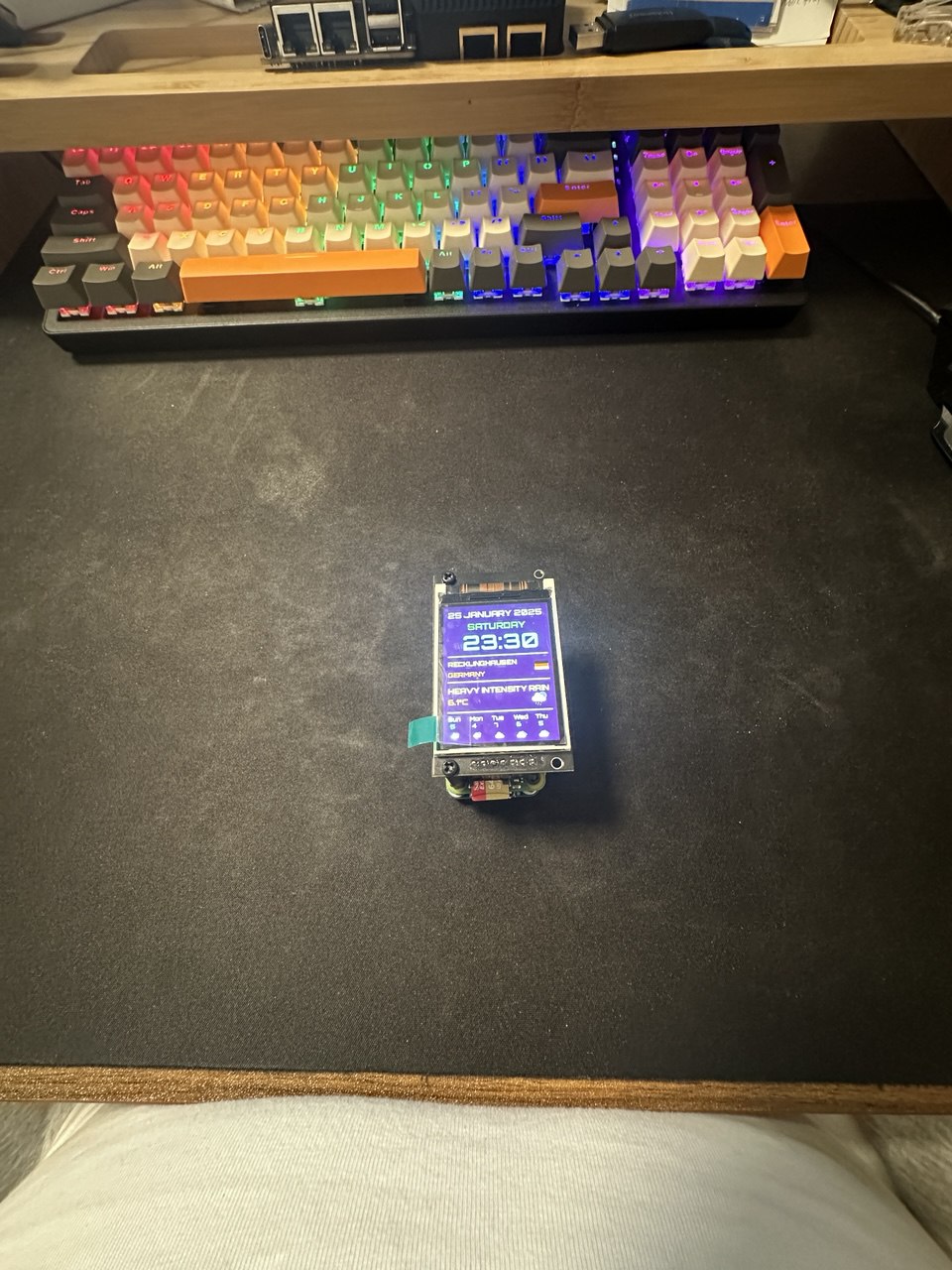
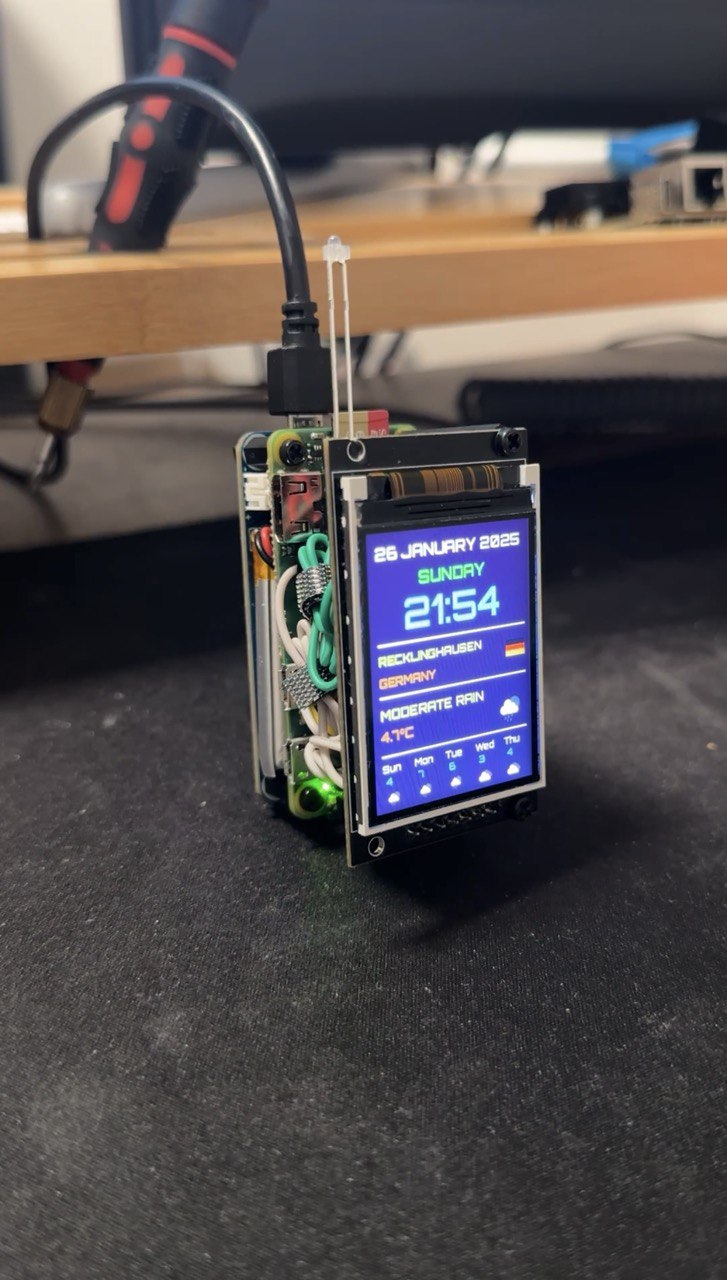
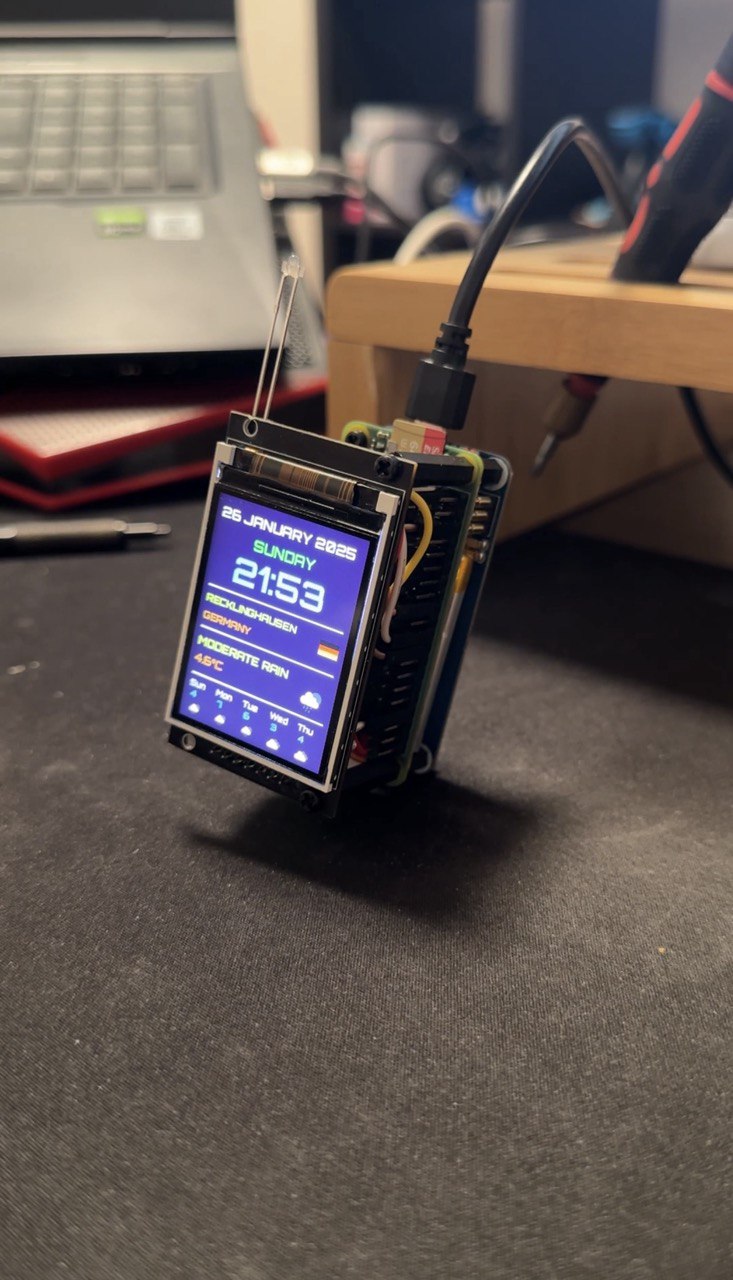
Video
2.
3.
4.
5.
Source
Source on GitHub: ssnrshnn/skyforge_project